
You are using an out of date browser. It may not display this or other websites correctly.
You should upgrade or use an alternative browser.
You should upgrade or use an alternative browser.
GMS - [Broa] - Big Bang : Everything has changed ...
- Thread starter never_die312
- Ngày gửi


 Có điều cái Technological Age lằng nhằng hơn Maker skill nhiều @_@

ZzMèozZ
C O N T R A
Dài quá ngại đọc. Chỉ dọc thấy có đoạn monter drop thôi
Dài quá ngại đọc
 Thấy sơ sơ cái gì mà 500 lá 1 coin thì phải

never_die312
Liu Kang, Champion of Earthrealm
Hqua đi zarm vs Tun đc nhiều exp phết 
Ngày cứ 2 pap 2 arm thế thì chả mấy chốc lvl
Đã nhìn event Chả có gì đặc sắc =)
Ngày cứ 2 pap 2 arm thế thì chả mấy chốc lvl
Đã nhìn event
Chả có gì đặc sắc =)
Cụ thể là bao nhiêu?
Pap dạo này cay mũi vãi
Pap dạo này cay mũi vãi
ZzMèozZ
C O N T R A
Cụ thể là bao nhiêu?
Pap dạo này cay mũi vãi
Đánh 1 con (hên xui) được 1 lá.
500 lá được 1 xu.
Nhớ không lầm là vài chục xu là được 1 món.


Chẳng có j hay cả

oèɯ
Donkey Kong
Có Medal 4 all + Maple gear 77 cho non-nx cash user, còn lại thỳ vẫn cần nx cash để "thưởng thức" hết cái hay
Lâu lắm mới có cái cảm giác chờ đợi MS up để vào chiếm spot đẹp, thế mà nó lại delay 3h
Rảnh rỗi: ManualPatcherv97.exe download link (Azsharing|Mediafire) cho ai muốn patch sớm (Nhớ backup MS đề fòng manual fail thỳ ko fải re-dl)
Lâu lắm mới có cái cảm giác chờ đợi MS up để vào chiếm spot đẹp, thế mà nó lại delay 3h
**Update** We are experiencing difficulties with the update and will need more time to prepare. The maintenance will now end at 6:00 AM Pacific (9:00 AM Eastern.) We are sorry for the inconvenience and thank you for your patience.
Rảnh rỗi: ManualPatcherv97.exe download link (Azsharing|Mediafire) cho ai muốn patch sớm (Nhớ backup MS đề fòng manual fail thỳ ko fải re-dl
)
never_die312
Liu Kang, Champion of Earthrealm
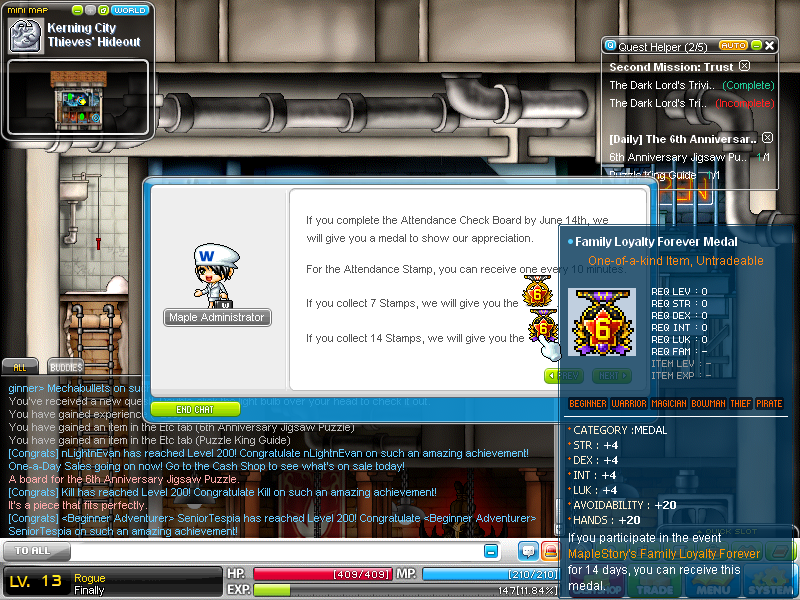
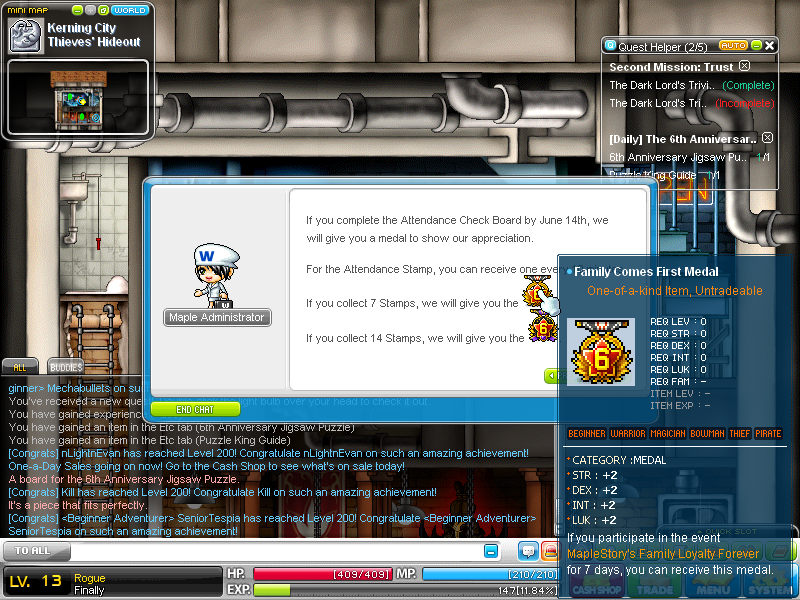
Làm thế nào để có maple medal 4 all stat + gear maple lvl 77 ?
Btw 1 con papu e đc 14% + 1 zarm (duo) e đc 2x% :'>
Btw 1 con papu e đc 14% + 1 zarm (duo) e đc 2x% :'>
never_die312
Liu Kang, Champion of Earthrealm
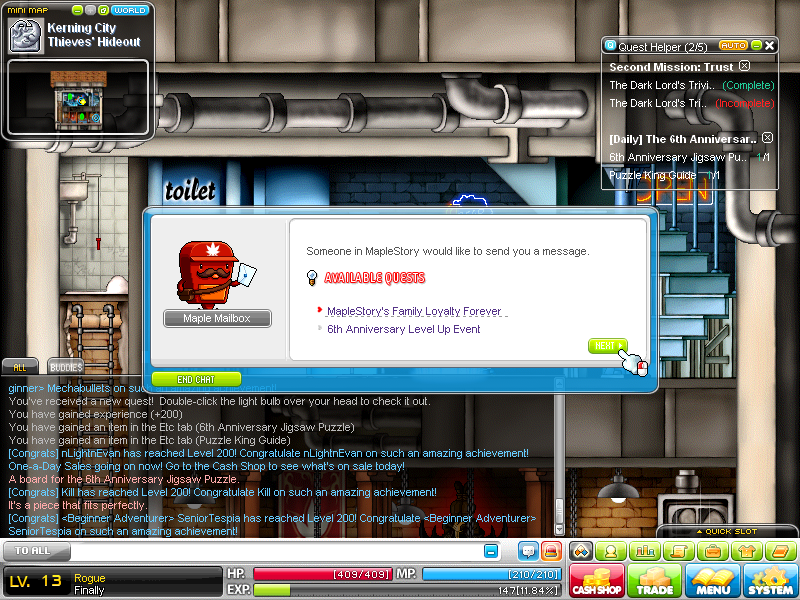
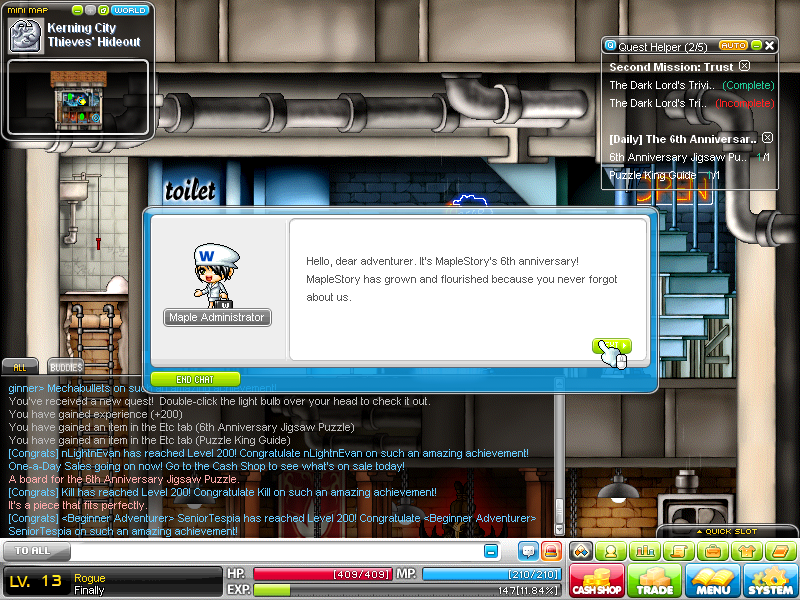
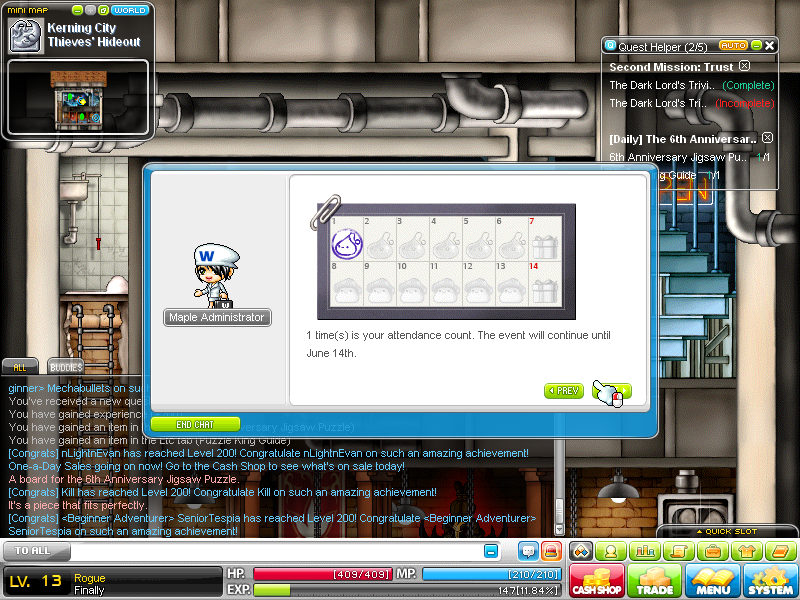
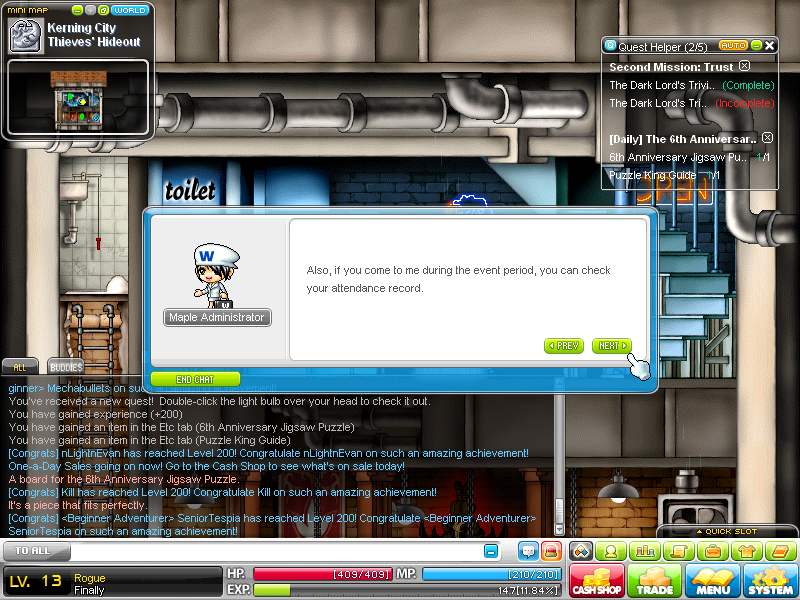
Chỉ nhìn thấy là có 14 stamp thì mới có cái medal, chứ k nói rõ cách thức cụ thể là làm gì vs Maple Admin
NGoài ra k nhìn thấy gear 77
NGoài ra k nhìn thấy gear 77

chocoles
Mr & Ms Pac-Man
Vẫn xài bthg, chạy gamelaucher > start game > hs load > We are unable to connect to the login server due ... Pls check MS homepage for ...
Thế mèo up lên giùm cái launch đi, bên mình ai cũng bị lỗi cái launch này cả, thx trước.
oèɯ
Donkey Kong
GameLauncher.exe GMS 0.97 (Azsharing|Mediafire)
@H: đơn giản như notice nói là ... check in vs MS admin?
[spoil]
[/spoil]
Gear 77 stats cụ thể thỳ lên SP check, chỉ có extraction của KMS 1 năm trc & MSEA thôi, chưa thấy của GMS
Game up, door spot
@H: đơn giản như notice nói là ... check in vs MS admin?
[spoil]
[/spoil]
Gear 77 stats cụ thể thỳ lên SP check, chỉ có extraction của KMS 1 năm trc & MSEA thôi, chưa thấy của GMS
Game up, door spot
Chỉnh sửa cuối:
never_die312
Liu Kang, Champion of Earthrealm
Chỉ cần onl r talk thế là xong à  Tg? fai hold như gaga
Tg? fai hold như gaga
oèɯ
Donkey Kong
Bạn h tốt bụng thật, bị nó unequip ring 2 mà cũg ko nói j`
May mà char nl ko bị ... vẫn đang đeo 4 rings ...
Known Issue - Direct Launch.
May mà char nl ko bị ... vẫn đang đeo 4 rings ...
Known Issue - Direct Launch.
Dear Players
We are aware that players using the Windows 7 and Windows Vista operating systems are experiencing an issue that is preventing them from launching the game through direct launch. While we work to fix this issue, please use the following work-arounds to play MapleStory's Jubilation update:
- Launch the game from the website. Players should not experiencing the same issue when launching from the website.
- Create a special shortcut to your MapleStory.exe file by following these steps:
1. Find your MapleStory.exe file in the folder you installed the game in.
2. Right click the MapleStory.exe file and choose to create a shortcut.
3. Right click the shortcut you just created and select Properties.
4. Modify the Target field so that it looks like this: C:\Nexon\MapleStory\MapleStory.exe GameLaunching (note that the beginning of the target may be different if you have installed MapleStory to a different directory.)
5. Apply the changes.
6. Double click the short cut to launch MapleStory.
We hope these work-arounds help you enjoy MapleStory while we work to resolve these issues.
-- The Maple Team --
Chỉnh sửa cuối:
