
You are using an out of date browser. It may not display this or other websites correctly.
You should upgrade or use an alternative browser.
You should upgrade or use an alternative browser.
The Sims 3 - News
- Thread starter biboo3
- Ngày gửi


Này có phải tên world mới ko ta..

 Logo world mới đây: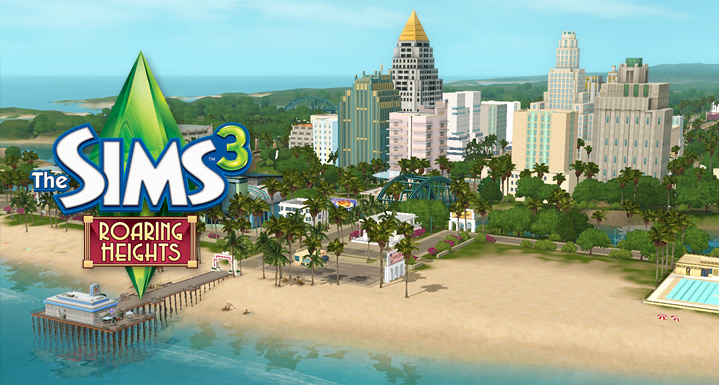


 mà sao sims 2 ko có ta


 xây 1 thành phố náo nhiệt up lên xem với

Thông tin chi tiết về DIY Rollercoaster, tiếng Anh
http://www.thesims3.com/community/blog.html?blogid=530628
[spoil]The Sims 3 Roaring Heights comes out NEXT Thursday, December 12, 2013 along with the Boardwalk Venue and the much anticipated Sky High Roller Coaster! As some of you may know already, this is a one of a kind, DIY Rollercoaster! Designer Alan Copeland, @SimGuruCopeland, is here to walk you through how to build your own roller coaster! Be sure to follow him on Twitter @SimGuruCopeland and give him a big thanks for such an amazing blog!
Hi everybody! Are you excited about Roaring Heights and the new Boardwalk Venue? Aren’t those Roller Coasters something else?
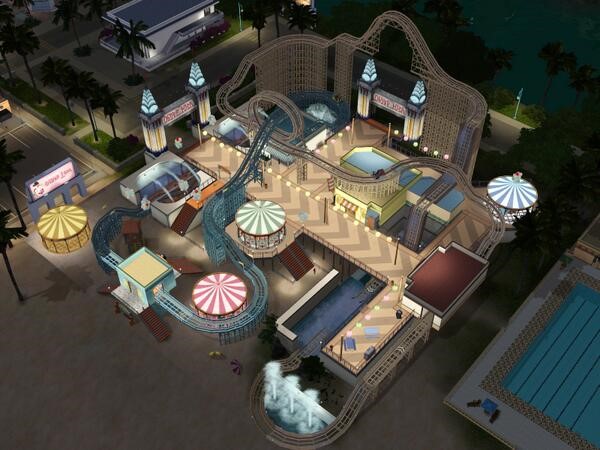
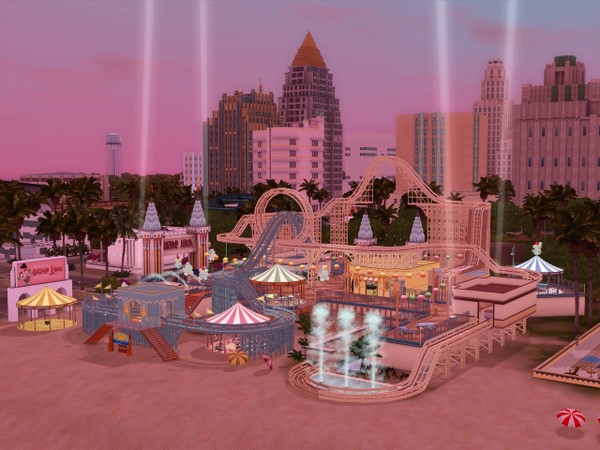
Today’s blog is going to be a little different from some of the other blogs I’ve done in the past. With the new Boardwalk Venue coming out with Roaring Heights there have been plenty of cool screenshots and information about the Sky High Roller Coaster, so instead of just giving more of those, I thought you might enjoy a tutorial on how to assemble a roller coaster of your own.
This example uses all of the new track pieces and most of the columns and other goodness that come with the set.
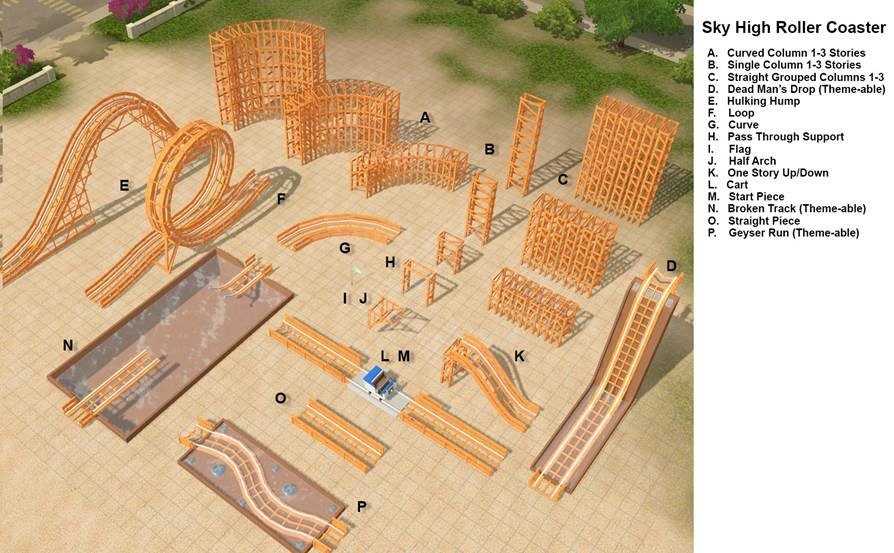
First, let’s take a look at what we hope to build.
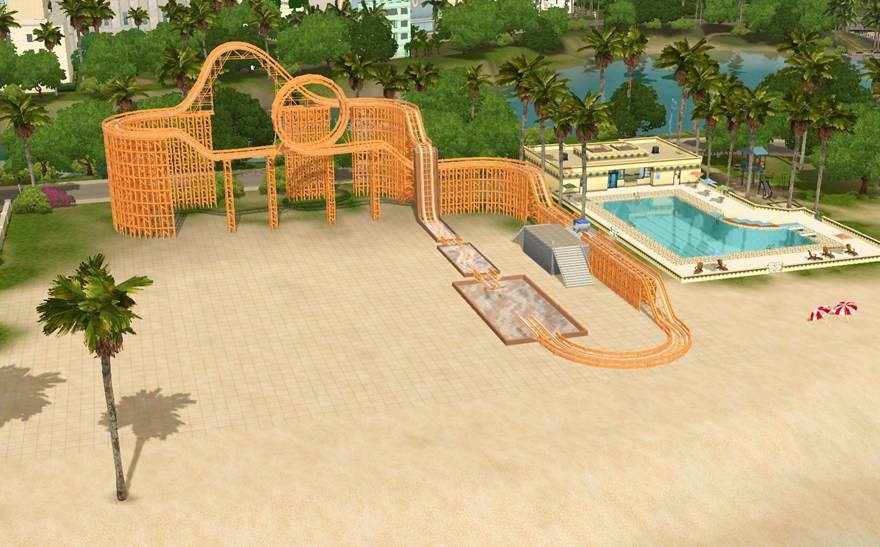
You’ll notice that this is very similar to the big roller coaster in the venue if you remove all of the buildings and other venue stuff.
One of the biggest challenges to making a roller coaster is space, so after a few tries you may find yourself counting out the squares the way I do. (NOTE: All track pieces are divisible by 6.)
I started out with a simple box midway up the side of the lot for my loading and unloading pad. (Although you could easily just have it start on the ground.)

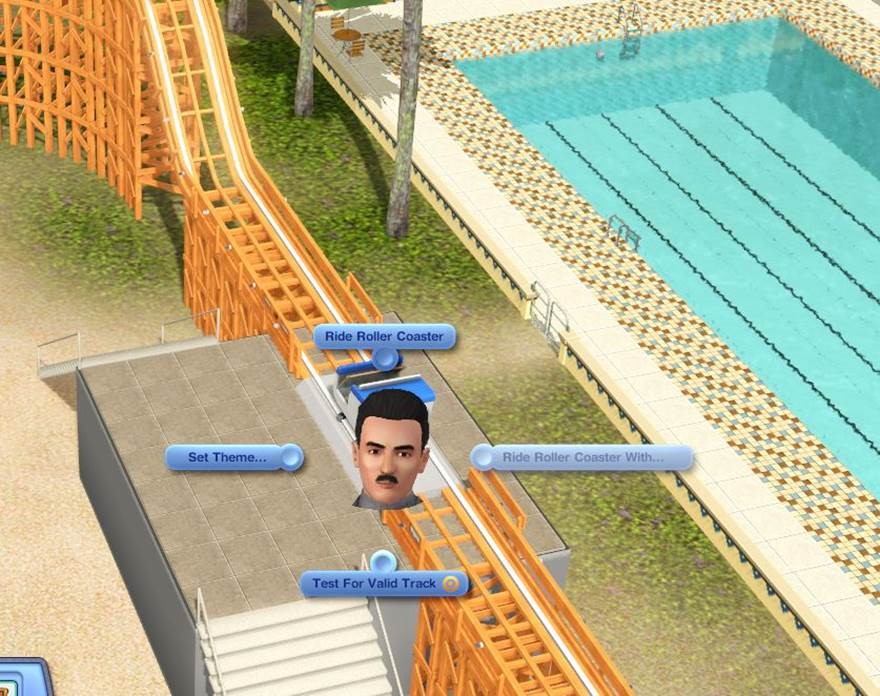
Then I placed the starting piece. You’ll want to make sure it has enough space on both sides so that the Sims can load and unload. As long as the ride isn’t in use, Sims can walk behind the cart on this piece only.
I put single story “stacked” columns under each side just to make it look better.
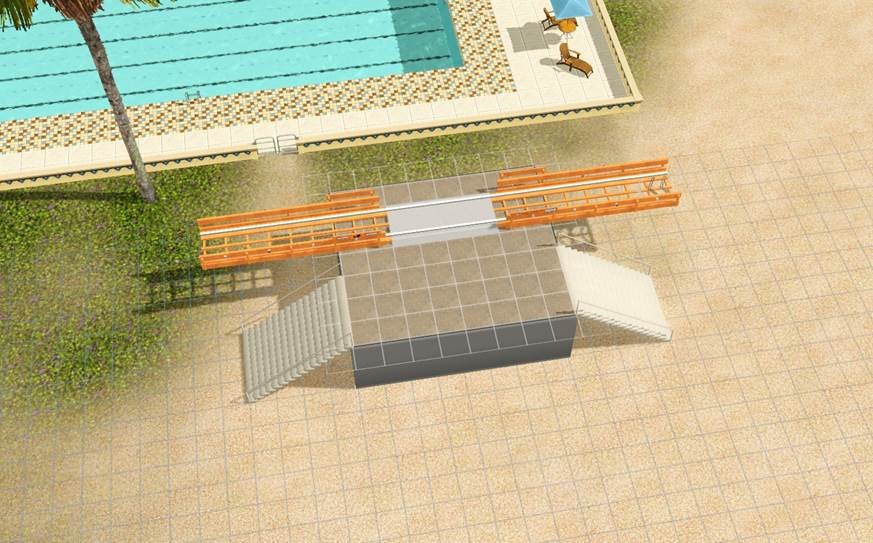
Then let’s grab a cart and place it. This is a really easy way to see which direction your coaster will be going but you’ll also notice that some of the pieces have arrows on the end of them if they only go in one direction.
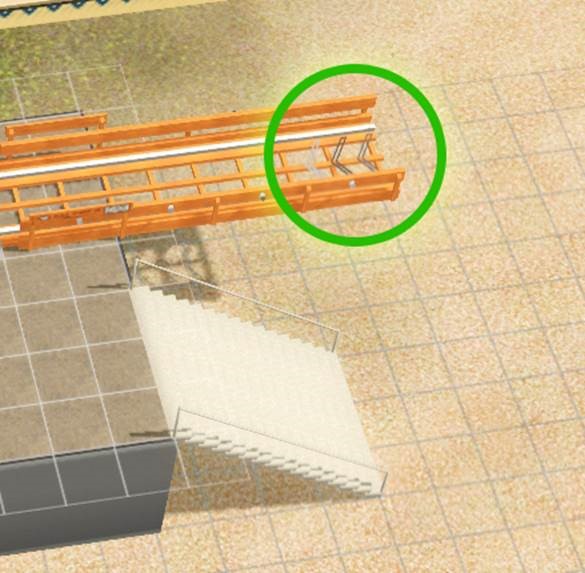
(NOTE: Some pieces, like straight pieces, up/down pieces and curves can be placed in either direction and they work just fine.)
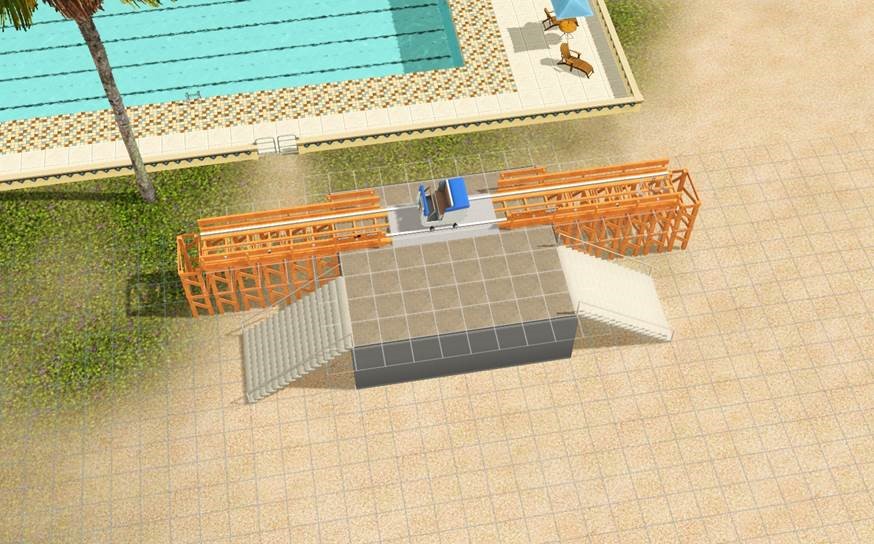
Right away I want to do a level transition, so let’s place a two story single column about 6 spaces away.
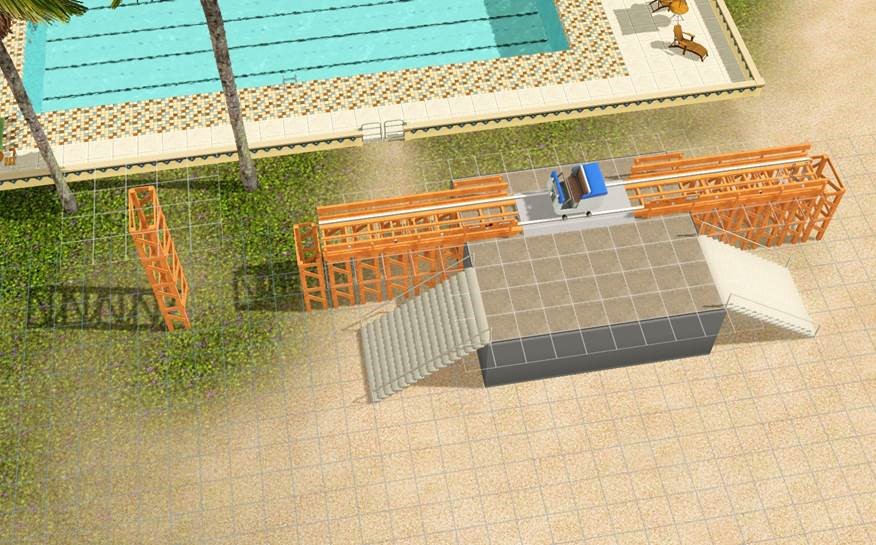
Then we add an up/down piece on top of it.
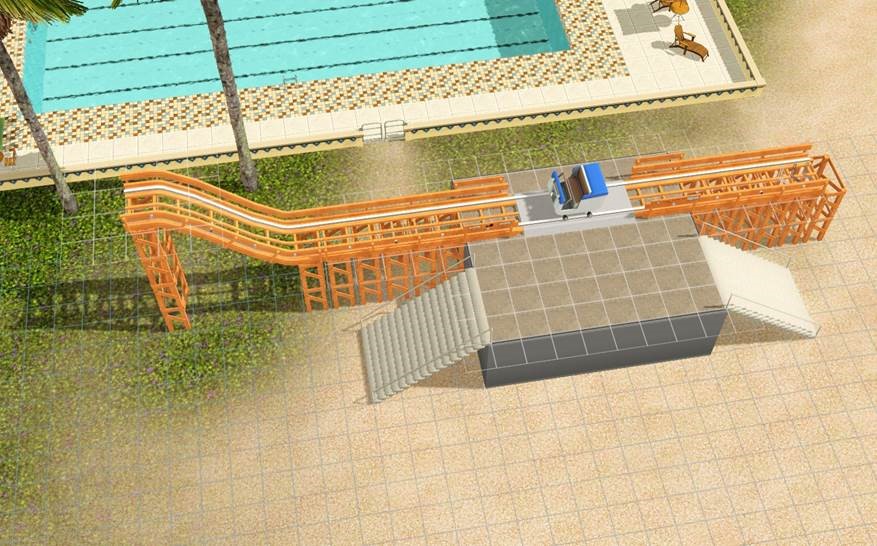
Let’s grab a two story curved stacked column and place it right next to this. (NOTE: you can also use individual columns if you don’t like the stacked look.)
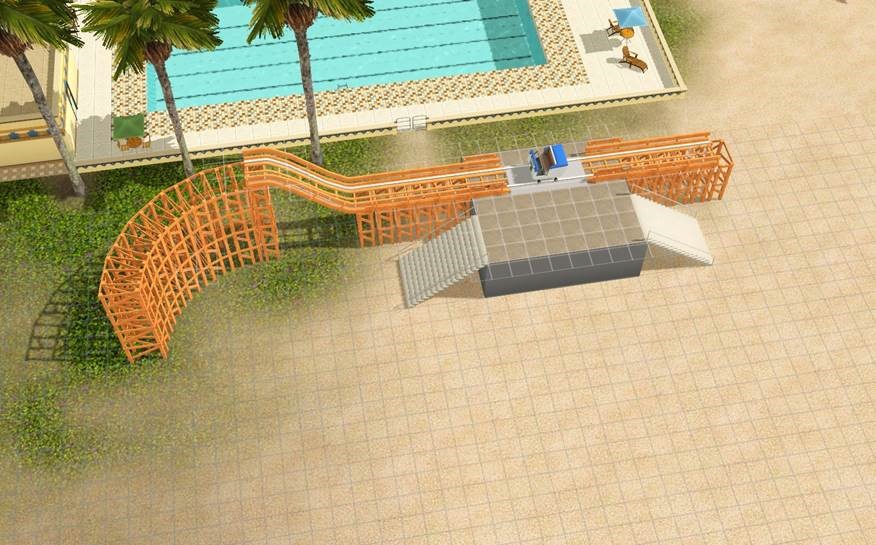
This makes it super easy to both lay out where you’re turn will be and give you support of placing your curve.

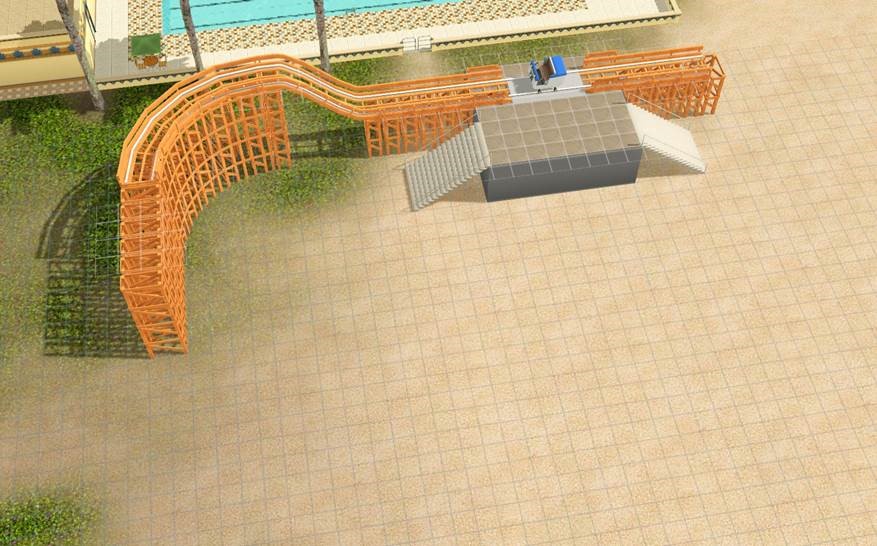
Now let’s do a straight piece. We can grab a stacked straight column and place a straight piece on top of it so it looks like this:
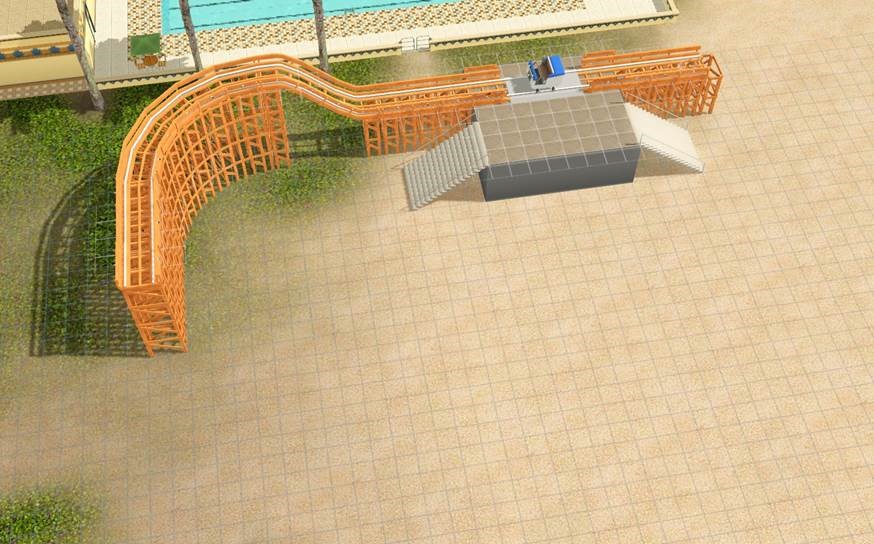
Let’s go up another floor. Just like before we want to go with a column that’s one story higher than we are at right now (so in this case 3 story) and place it 6 squares away. The grab an up/down piece and place it on top so it connects with our track.
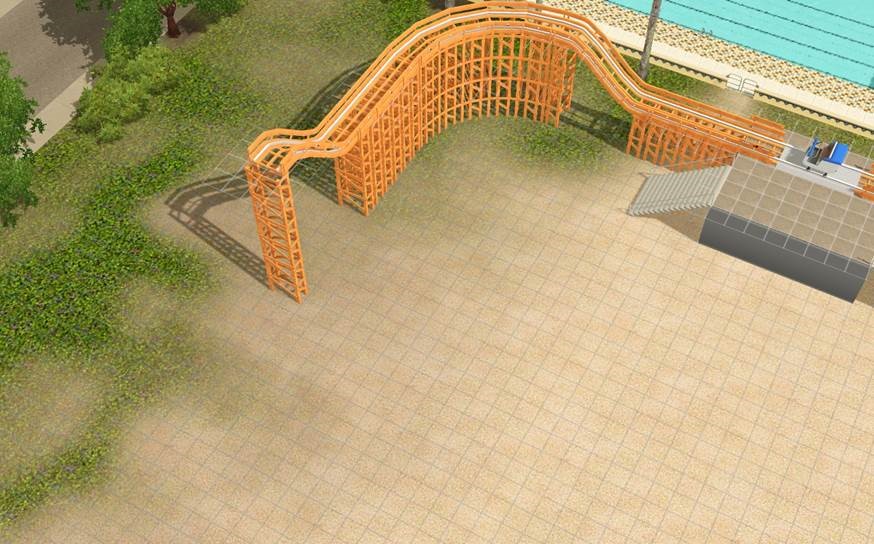
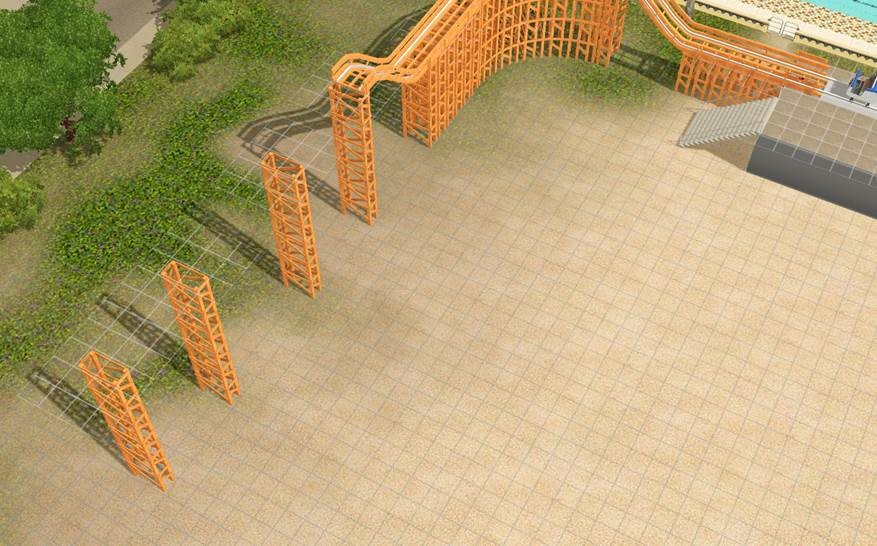
Next we want to do the loop. So we want to put a couple of supports down. Loops are pretty big, so I usually put a bunch down and then delete those that I don’t need.
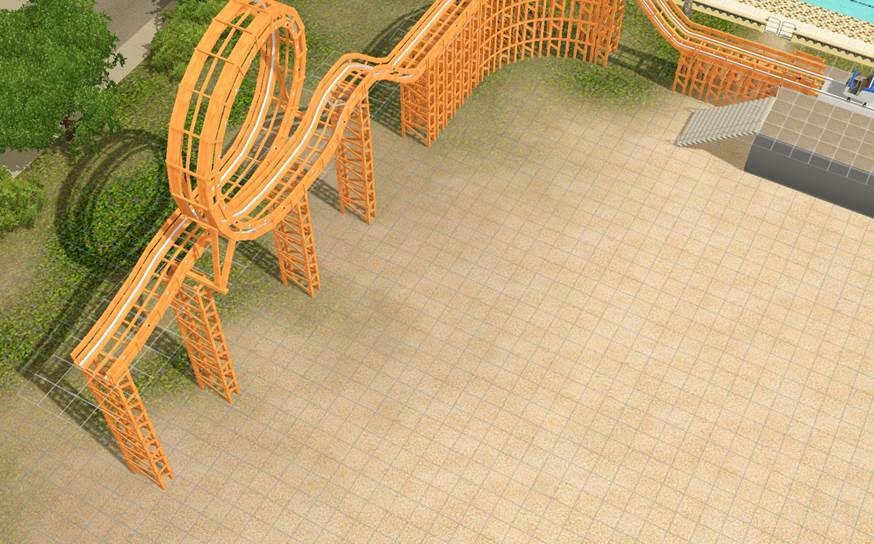
Then just grab the loop and put it on top. This is a “one way” piece, so make sure you have the arrows going in the right direction.
Now let’s go up another floor. Since columns can only go up three floors this time we’re going to stack a one story column on top of a three story column, six squares away. Then place your up/down piece.
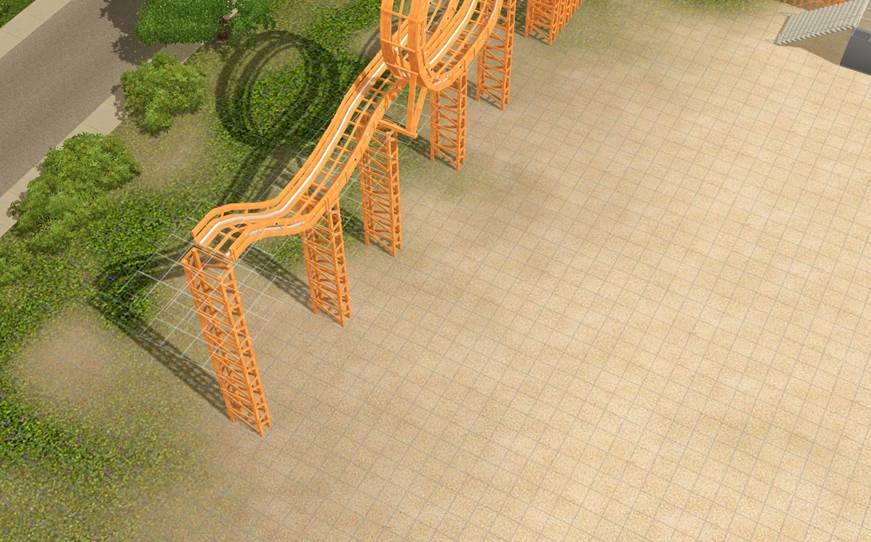
We are getting close to the edge of the lot, so let’s do the same thing with the curved columns and put a turn on top.
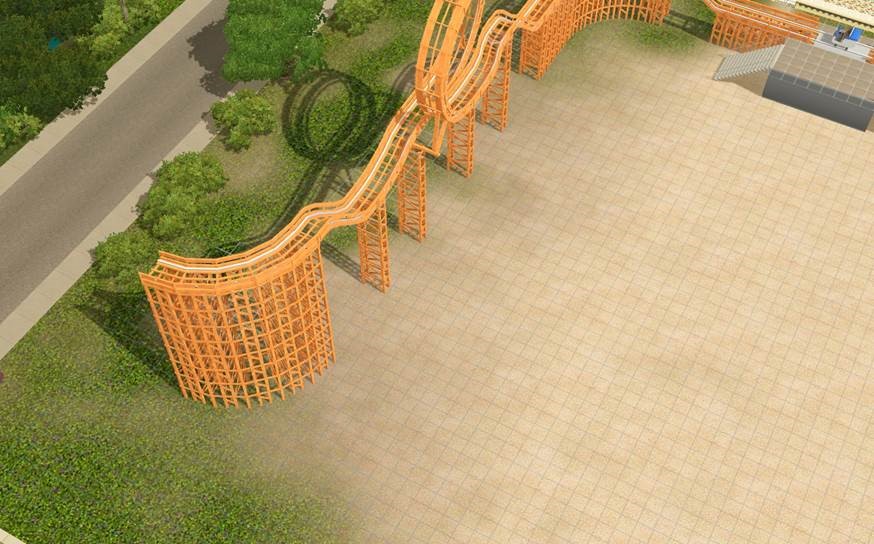
Rinse and repeat so you get something like this:
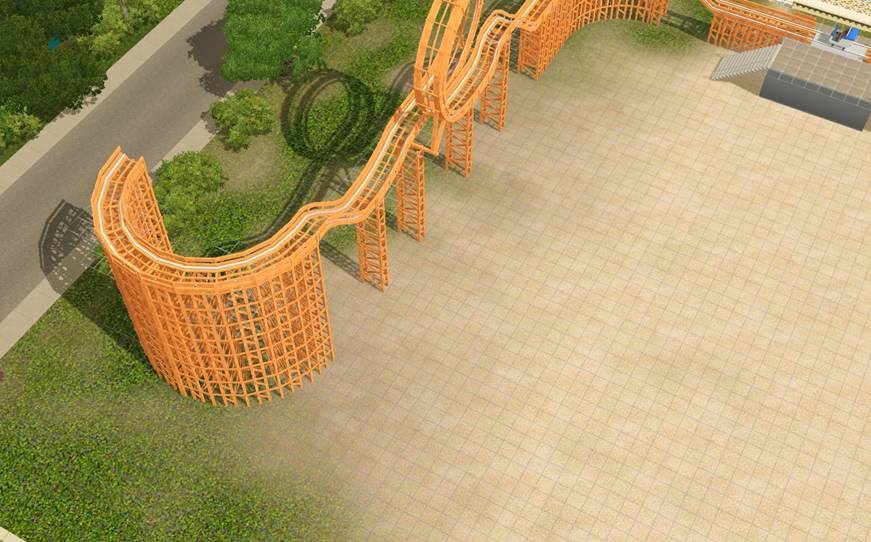
Now for the big hump. Like the loop this is pretty big, so if you’d like you can put a bunch of columns down in a straight line and we will just delete what we don’t want once we have the hump in place.
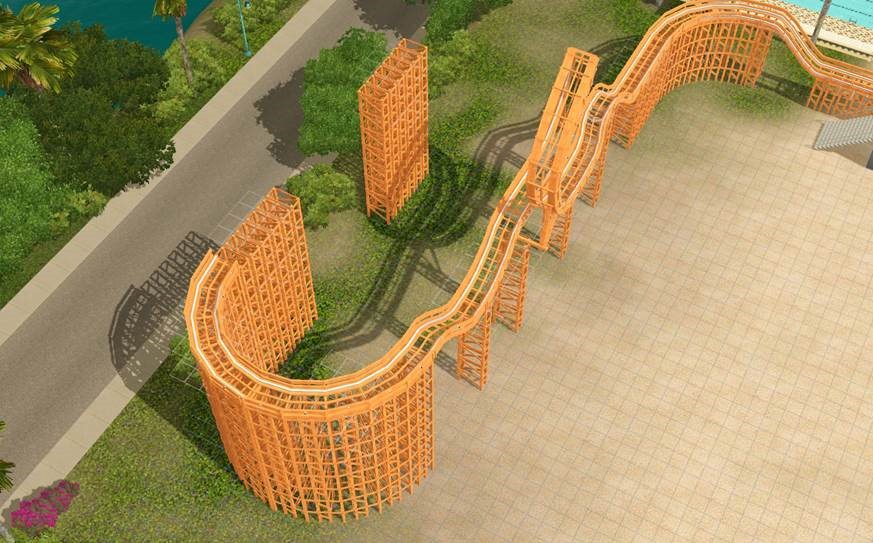
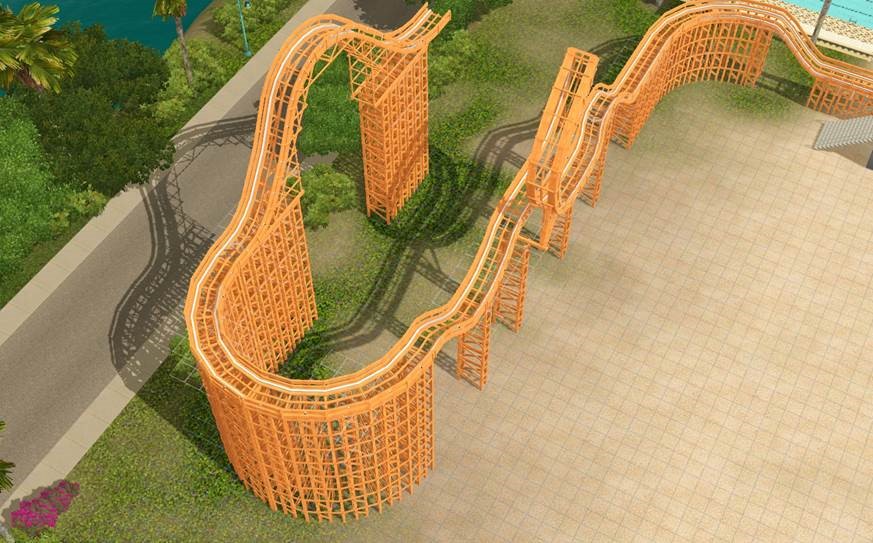
That’s looking super impressive, but I think it’s about time for some of the really cool theme pieces. We are going to need a lot of room for those, so let’s use the techniques we’ve already learned to put in another turn and an up/down piece so it looks a little something like this:
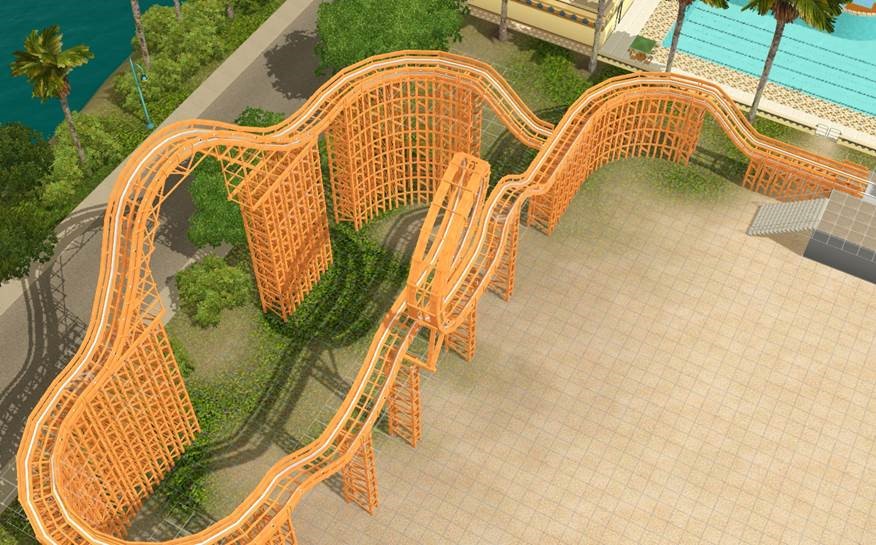
Great! Now let’s give the Sims a real thrill with the 3 story Dead Man’s Drop. You’re going to place this on the ground and line it up so it attaches to the end of the track, like so.
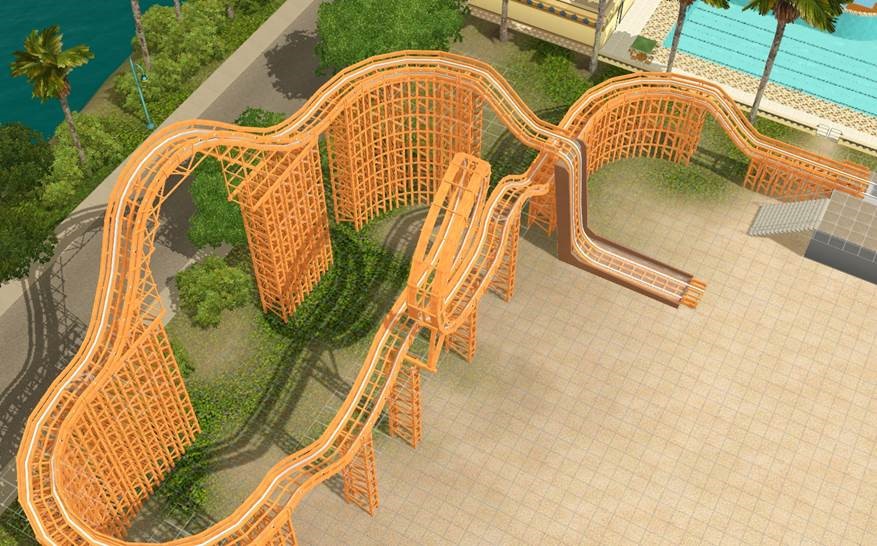
Next, place a Geyser Run. Make sure you’re track arrow is going in the right direction.
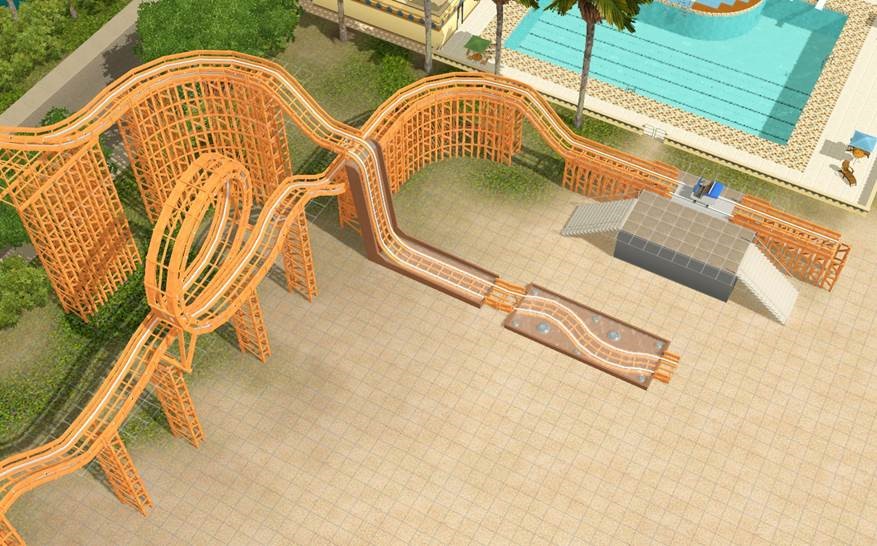
Now put in a Broken Track piece.
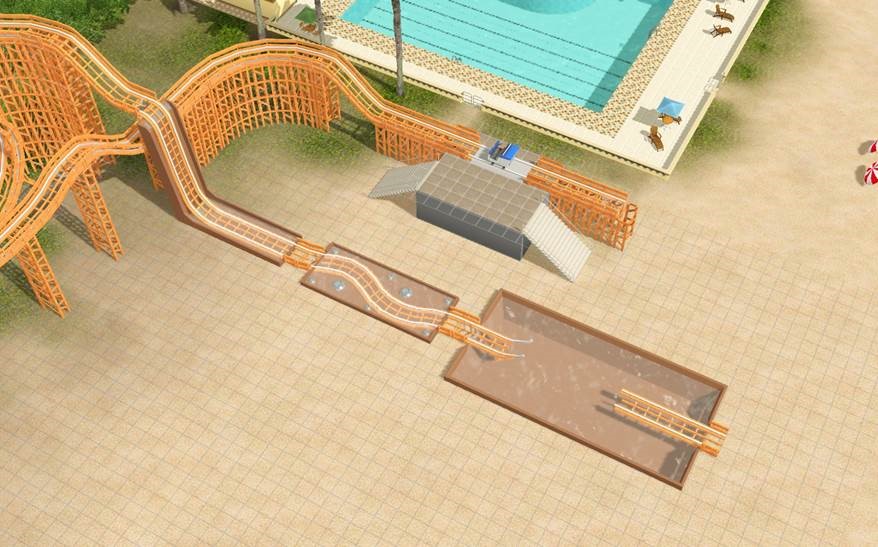
We want to loop this back into the start piece, so place two curve tracks so it looks like this:
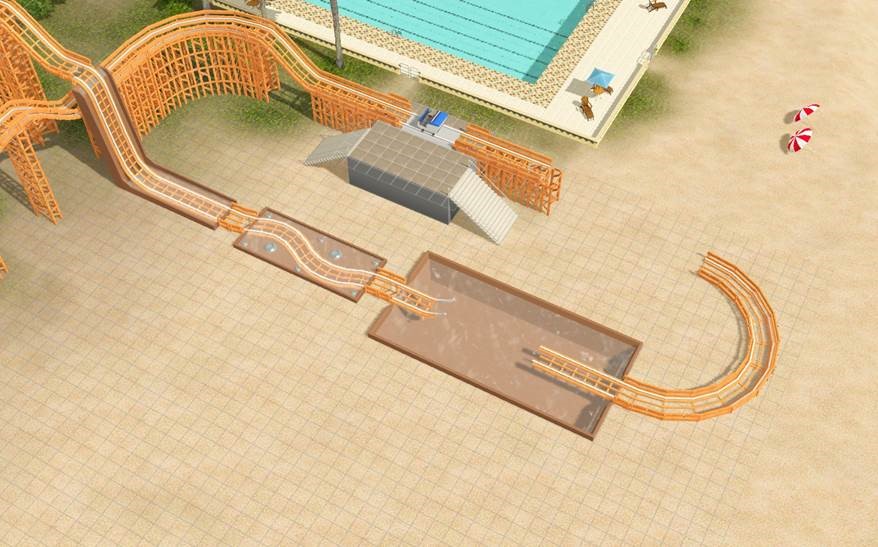
To finish the coaster you can put in a straight piece and an up/down piece in any order.
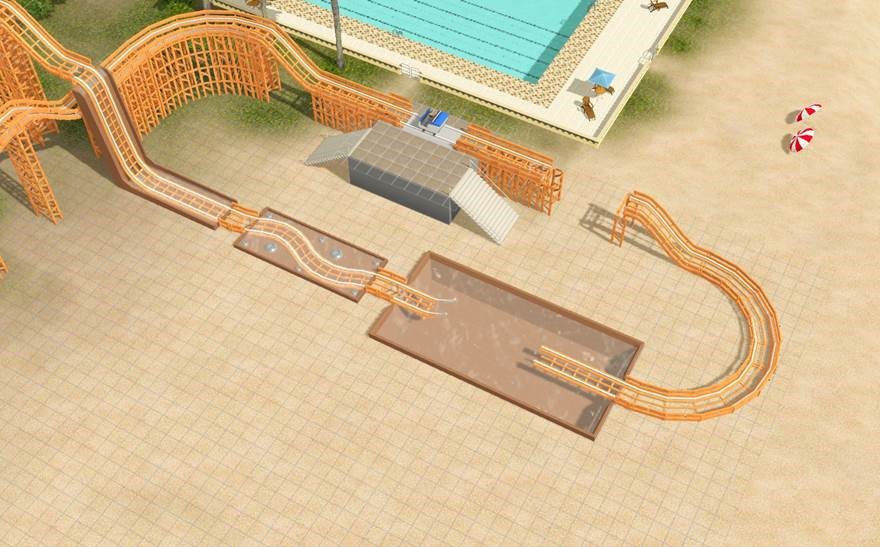
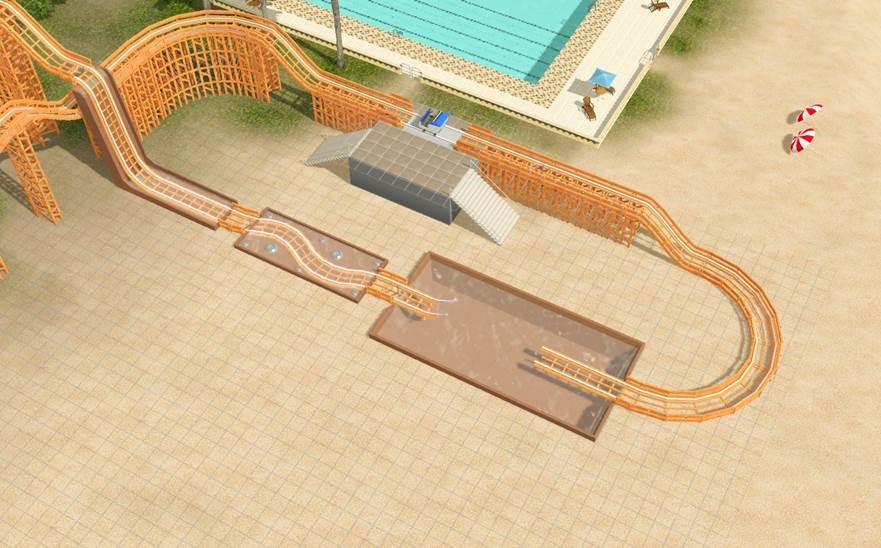
In LIVE mode you can check to make sure the track is valid, which should highlight all of the pieces that are attached to each other. Hopefully the whole thing should light up as green for a few seconds. Any part that isn’t lit up isn’t lined up correctly.
You can garnish the track with lots of cool things like balloons and flags.
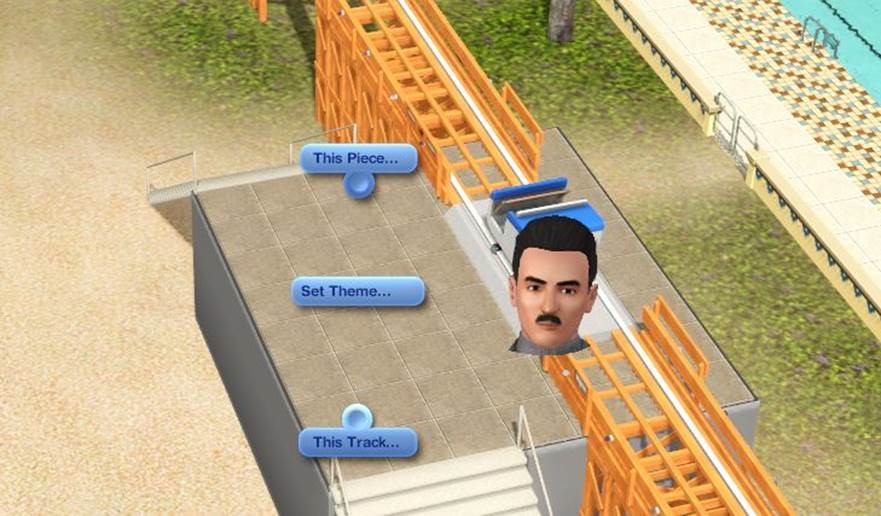
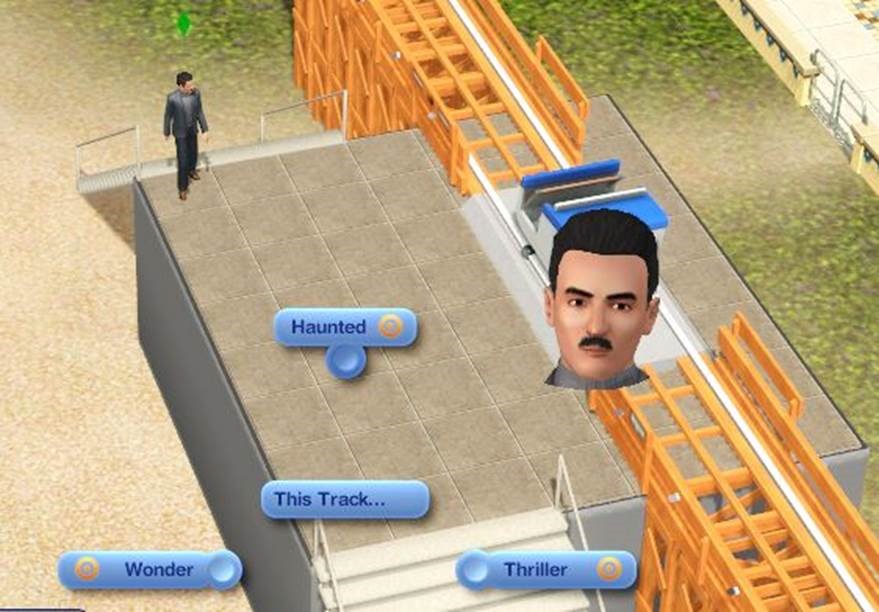
In LIVE mode you can also set the theme between Thrill, Haunted or Wonder. This will change the color of the lights on the side of the track, the animation and effects on some of the pieces, and the type of moodlet Sims get from riding the coaster. You can set your own texture style on all of the pieces as well.
I’m super excited to see all of the incredibly cool coasters you all come up with. A couple of team members should be posting some of their more over-the-top coasters on the Exchange. SimGuruKelly has a pretty awesome floating coaster I’ll try and get him to share.
The Sky High Roller Coaster comes exclusively with the Boardwalk venue, releasing December 12, 2013![/spoil]
 Xem phim the Great Gatsby sẽ thấy phong cách này.
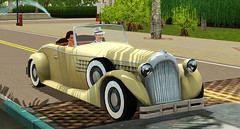
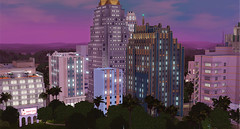
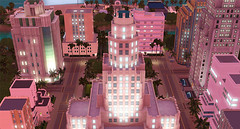
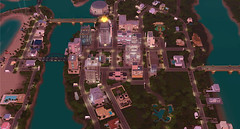
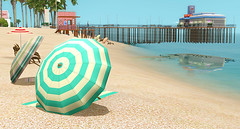
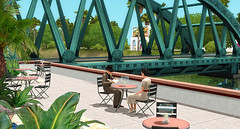
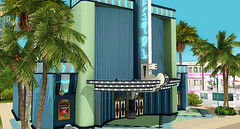
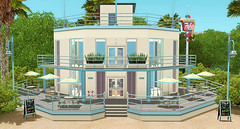
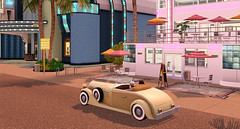
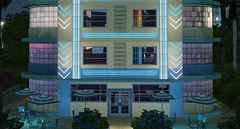
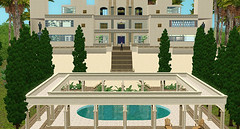
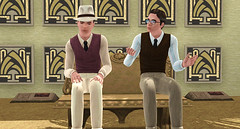
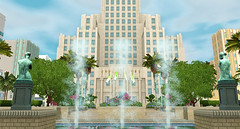
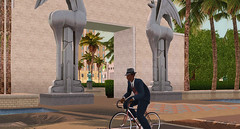
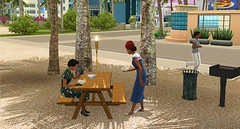

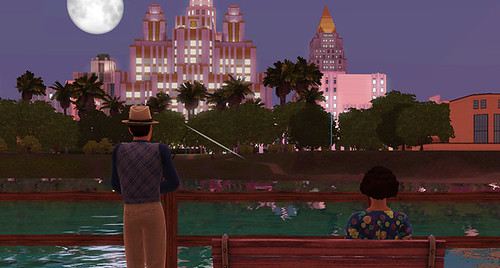
 cảnh đẹp quá mà có cái này sài đc ko hay hang thỏ ko